AutoFlow Pro is a powerful, premium Chrome extension that automates prompt queue runs on Google Flow. Seamlessly generate, upscale to 2K, auto-download with custom schemas, and compile ZIP files instantly.
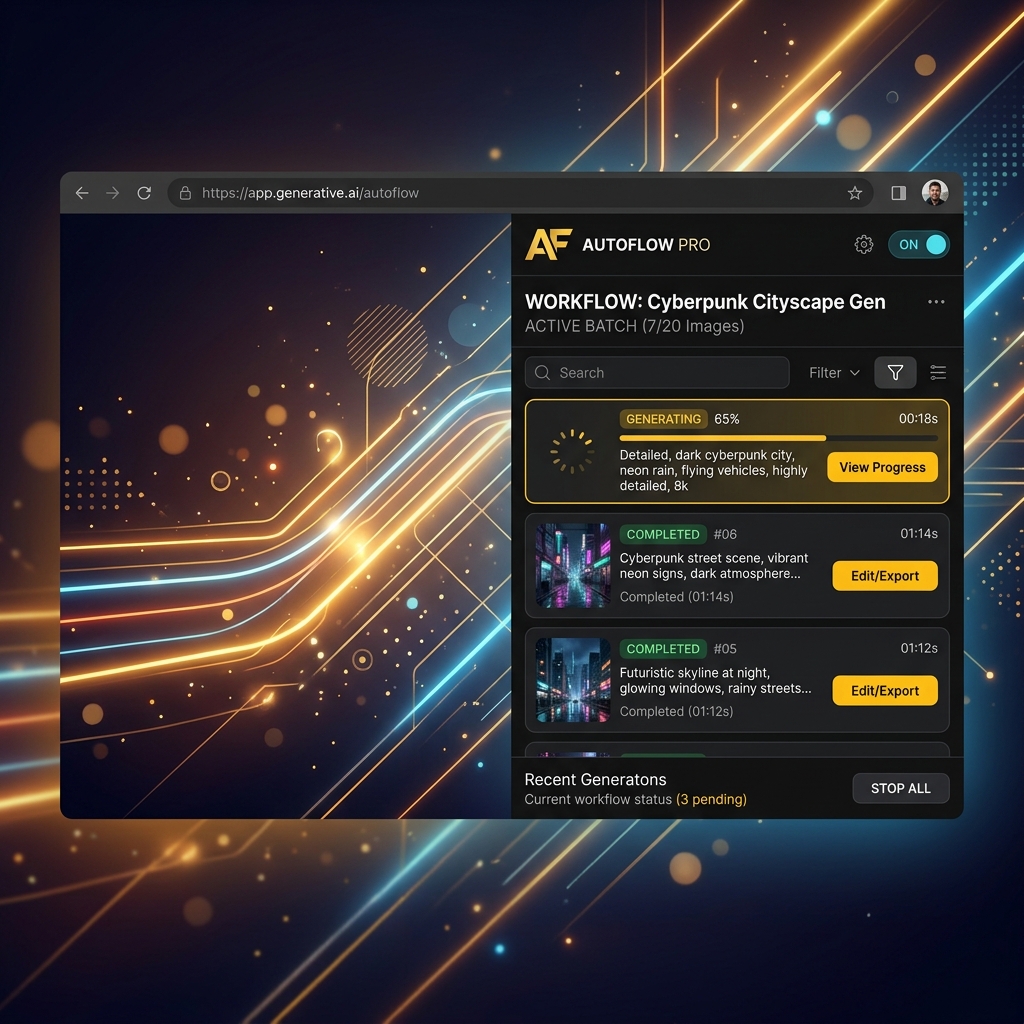
Stop doing manually what can be completed instantly. Automate Google Flow like a pro.
Paste dozens of prompts into the line-separated textbox. AutoFlow Pro runs through each prompt index automatically with custom delays.
Auto-downloaded images are named using the standard 001-prompt-slug.jpg format and saved into your customized local download folder.
Generate high-definition creations. Choose to upscale every generated photo to 2K resolution automatically, or download standard outputs.
Bundle your entire generated history into a single structured ZIP file. Complete with a live progress percentage tracker.
Clear answers to how AutoFlow Pro handles your generation queues.
AutoFlow_Images). Chrome will place all downloaded files into that subfolder within your main Downloads folder.
 AutoFlow Pro